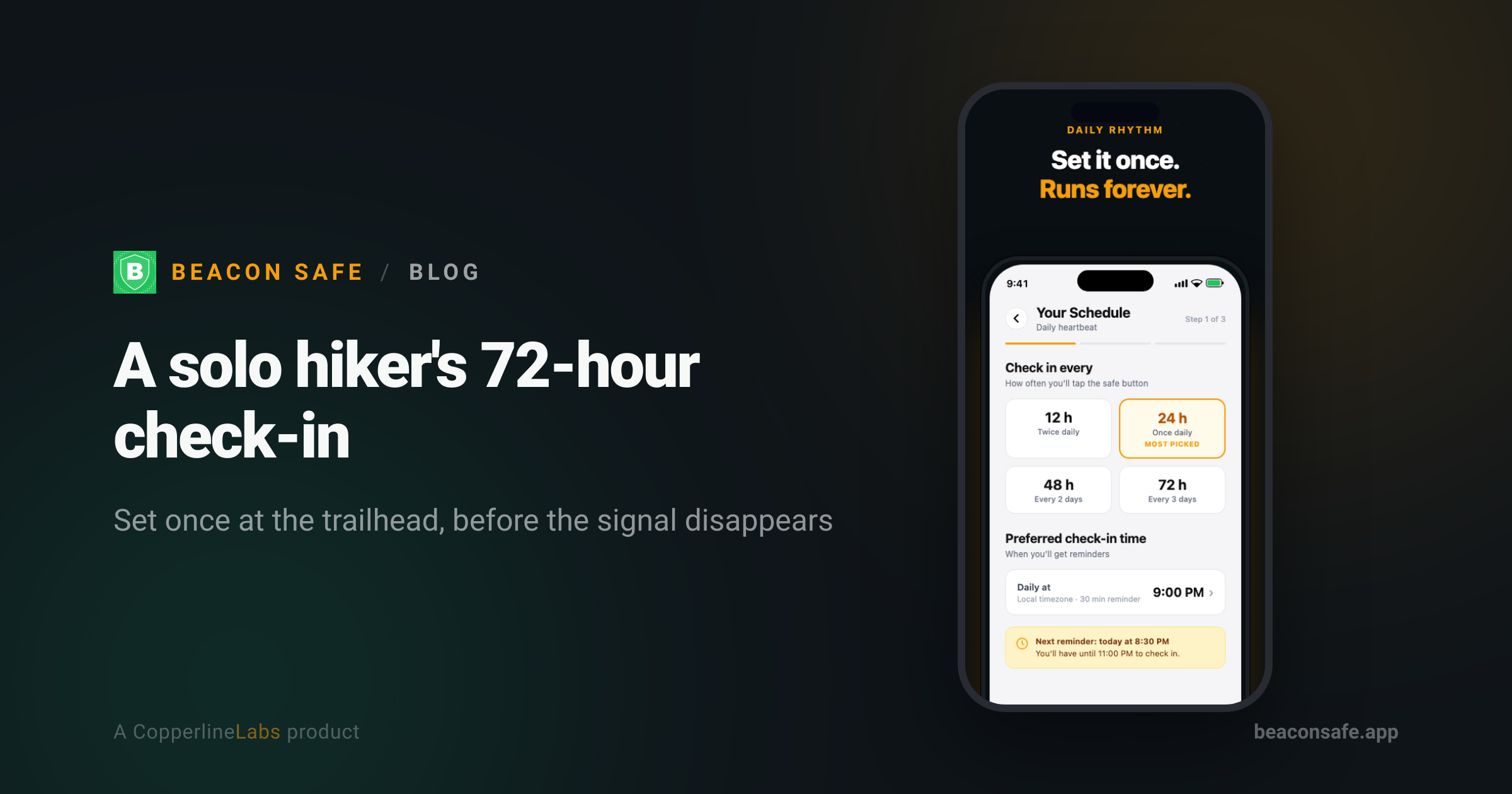
Dana backpacks alone most weekends and sets a 72-hour check-in on Beacon Safe before she loses signal in the canyon. If she doesn't tap "I'm okay" within the 2-hour grace period after she's back in range, her brother gets an email and text together, then an automated call about 5 minutes later — and she's honest with herself that it's not a satellite messenger.
The trip that's three days, not one
Dana's usual weekend trip is a two-night loop into a canyon system with almost no cell coverage once she's past the trailhead parking lot. For a while she used a daily check-in and it didn't fit — she'd be a full day into the backcountry with zero signal when her deadline hit, which meant either checking a box that wasn't really true or accepting a missed alert on a trip that was going exactly to plan. What she needed was an interval that matched how long she'd actually be out of range, not a schedule built for someone who sleeps in their own bed every night.
Setting the 72-hour interval before she leaves the car
Beacon Safe lets her pick a daily, 48-hour, or 72-hour check-in interval, set once rather than armed trip by trip. For this loop, Dana sets it to 72 hours the morning she leaves, right there in the trailhead parking lot with a full bar of signal. That's the last reliable connection she'll have until she's back at the car, so she treats the setup screen the same way she treats checking her pack: the last thing before she starts walking.
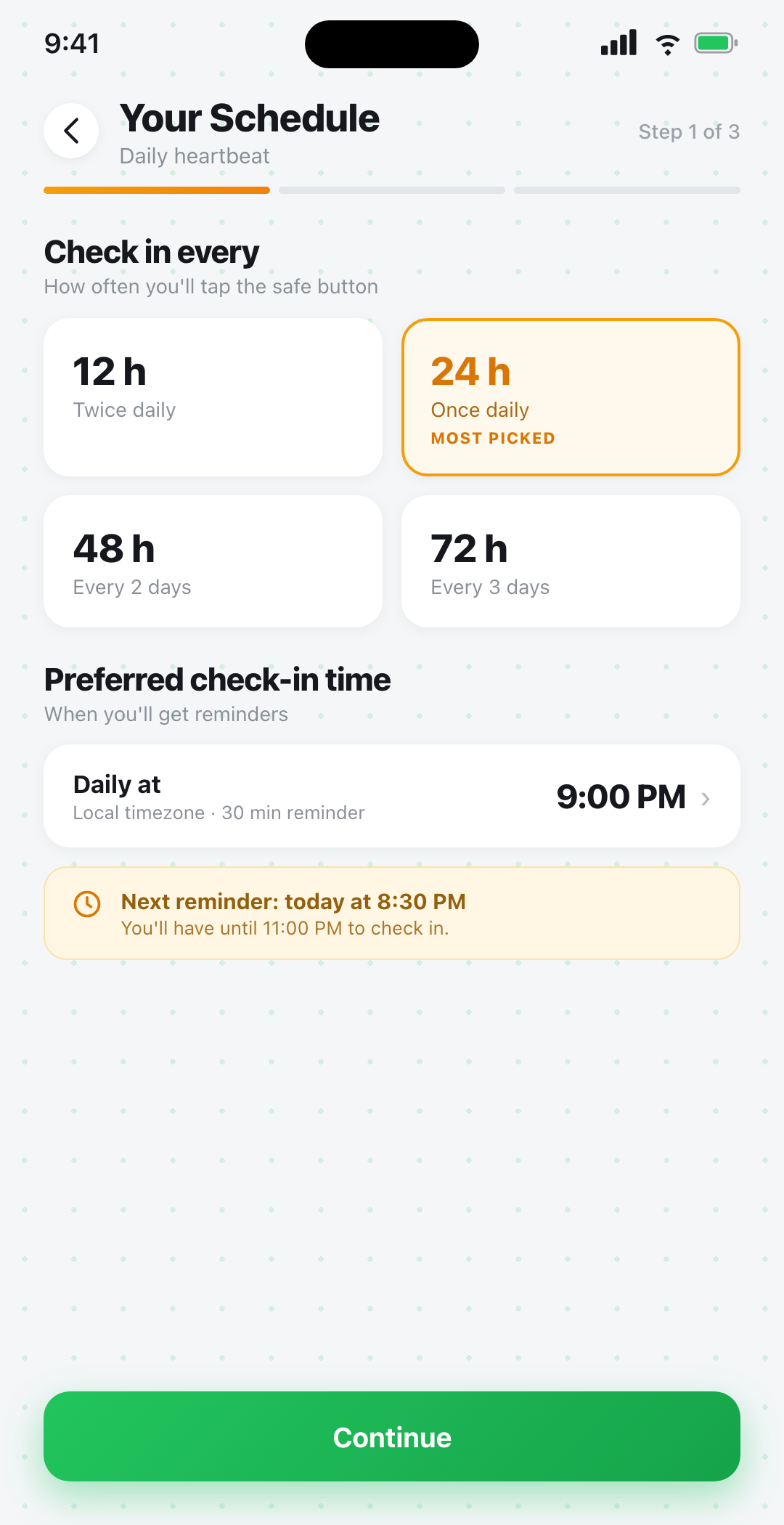
The interval matters more than the exact wording of a trip plan. A 72-hour window covers a two-night loop with a buffer for a slower pace, a late start, or an extra hour spent finding a campsite — without asking her to check in from somewhere she knows she won't have signal.
Why the deadline still works with zero bars
The part that actually matters to Dana isn't the interval — it's where the clock lives. Her check-in deadline runs on Beacon's servers, not on her phone, so it keeps counting down whether or not she has signal, and whether or not her phone is even on. If her battery dies on day two, or she's in a slot canyon with no bars for the whole trip, the deadline still arrives on schedule. The alert only depends on whether she checks in by then — not on her phone staying awake in her pack the entire time.
That's the same mechanism behind most dead man's switch apps: silence past the deadline is the signal, and the timer has to live somewhere that doesn't depend on the one device most likely to run out of battery or signal on a multi-day trip.
Honest about what it isn't
Dana is specific with people who ask about her setup: Beacon Safe is a phone-based check-in app, and it needs cell service or Wi-Fi to send her check-in or an alert. It does not work like a satellite messenger. If she were heading somewhere with genuinely no coverage for the whole trip — not just spotty coverage that clears up back at the trailhead — a device like a Garmin inReach or a Personal Locator Beacon would be the right tool, because those work over satellite instead of cell towers. For her canyon loop, where she has no signal mid-trip but reliable signal at both ends, a check-in app covers the actual gap: it can't reach anyone from inside the canyon, but it doesn't need to, because the alert fires from Beacon's servers once her deadline passes, whether or not she's back in range yet.
She keeps that distinction in mind on anything longer or more remote, and the comparison against hiker-specific apps lays out the same honest limit: neither a check-in app nor most hiker safety apps replace a satellite communicator when there's no coverage at all.
One contact who knows the plan
Dana's contact list is one person on purpose: her brother, who has hiked with her before and knows roughly what her trailhead and route look like. He's on Beacon Safe's free tier, which covers up to 3 emergency contacts with email alerts and unlimited check-ins at $0. She looked at apps that share a live location trail and decided against it — Beacon Safe has no location tracking, ever, no map and no breadcrumb trail. Her brother doesn't get a pin moving through the canyon; he gets told if she's overdue, which is the part that actually matters if something's gone wrong.
What happens if she's actually overdue
Dana tested a missed check-in once, deliberately, so her brother would know exactly what to expect. The sequence: at the 2-hour mark past her deadline, he gets an email and text at the same time; if he hasn't responded, an automated voice call goes out about 5 minutes after that; a follow-up notification fires roughly 4 hours later if it's still unresolved; and a re-alert repeats at the 24-hour mark until someone confirms she's safe. He doesn't need the app to respond — a tap on a secure link, a text reply, or a phone keypress is enough. If she ever wants SMS and voice added to a wider circle, the $19.99/month Plus plan (or $199.99/year) adds up to 10 contacts and faster escalation; for a solo trip with one trusted contact, the free tier has been enough. The full escalation sequence is on the how it works page, which is worth reading with whoever your contact is before you actually need it.
Beacon Safe is not an emergency service and does not contact 911; in a life-threatening emergency call 911. Alert delivery depends on network availability.
Set up a check-in that fits your trip
A daily, 48-hour, or 72-hour check-in with a real free tier — no location tracking, ever.